Pay people
Send a payment to a HereKey member or a person in your business network using their phone number.

HerePay by HereKey
Send money to people, request payment by phone, and accept in-person payments through one connected HereKey experience.
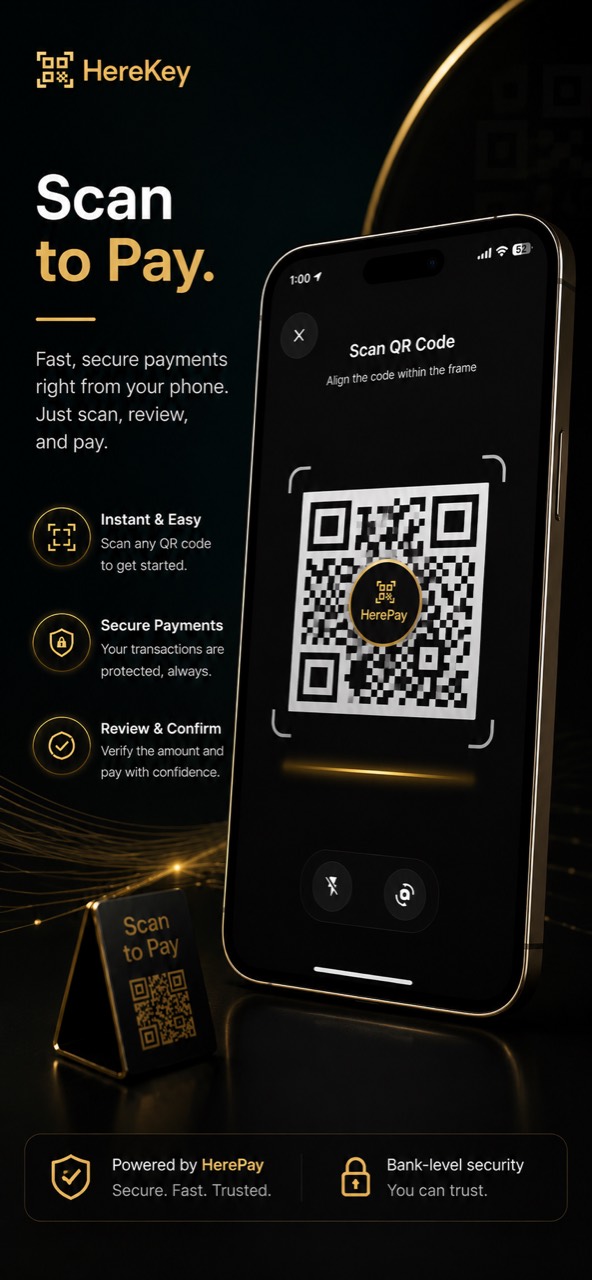
HerePay QR
A HerePay QR can give customers a direct path to pay, message, or request service. Businesses can place that entry point where customers already interact with them.
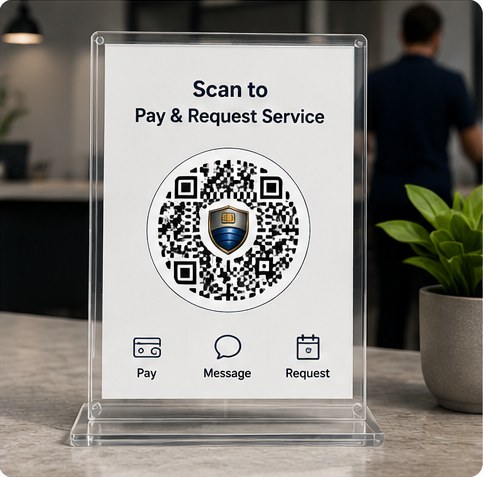
Place a scannable payment and service entry point at a front desk or checkout counter.
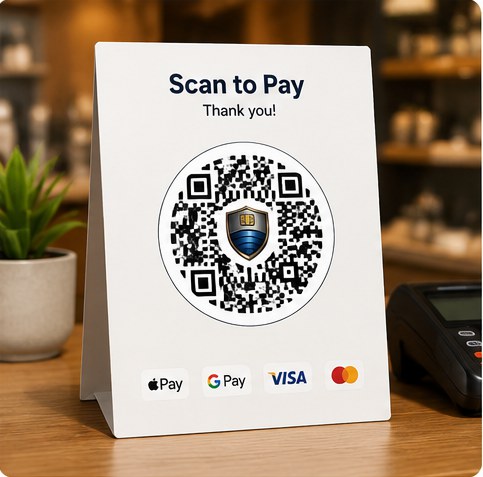
Print a simple scan-to-pay code for a counter, table, invoice station, or temporary setup.

Connect a provider profile, payment access, and service requests to a card customers can keep.

Let customers scan from a storefront, service vehicle, truck, or trailer.

Turn a work vehicle into a mobile entry point for payment and service access.

Offer a visible way to request service from a job site, neighborhood, or local installation.

Place a scan-to-buy QR on product packaging so customers can purchase the item directly from its label.
Ways to move money
HerePay brings person-to-person payments, business requests, QR confirmation, and in-person acceptance into the HereKey experience.
Send a payment to a HereKey member or a person in your business network using their phone number.
Send a payment request by phone with an amount, description, and callback for connected business workflows.
Accept supported in-person card payments from the HereKey app without sending customers to a separate checkout.
Use HereKey QR experiences to open a payment or identity flow, review the details, and confirm in the app.
How HerePay works
The exact screen changes by payment method, but the core experience remains clear and familiar.
Start
Select a person, send a request, open a QR flow, or start an in-person terminal payment.
Review
Check the recipient, amount, description, and payment method before continuing.
Complete
The payer confirms in HereKey or completes the supported card or terminal experience.
Track
Both sides can follow the resulting status, notification, and transaction context.
The HerePay advantage
HerePay is designed to connect the payment to the person, request, or service behind it, instead of leaving businesses to reconcile disconnected records.
Payments can follow the people and business relationships already connected to HereKey.
Amounts, descriptions, status, and transaction context stay together for easier follow-up.
Senders and recipients can receive payment updates through the same HereKey experience.
Eligible service bookings can use protected payment and escrow flows before funds are released.
For customers
Review who you are paying, confirm the amount, follow payment status, and keep service activity in the same app.
For businesses
Request payments by phone, pay people from a business balance, accept supported in-person payments, and connect results to your workflow through the API.

Download HereKey to access available payment, request, QR, and service features.


HereKey is not a bank. Payment methods, terminal support, protected flows, and availability may vary by account, device, transaction, and region. Card processing may be provided by third-party payment processors.